Edit menu
When the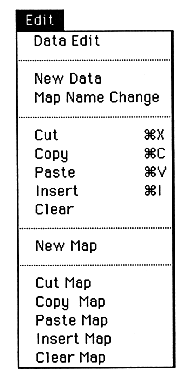
When
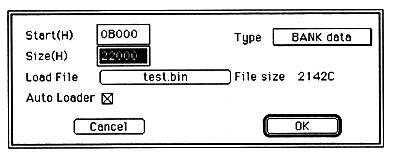
Change the map information data here. You can set the start address, area size, data type, transfer file, autoload specification. When a transfer file is specified, the size of the specified file is displayed in bytes, which can be used as a guideline for determining or changing the area size.
This menu can be obtained by double-clicking EditWindow.