Show Mode/Status
When this menu is selected, the following dialog is displayed.
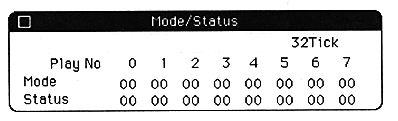
The display data can be updated using the Print Control dialog in the SoundSimulator dialog and Function key setup dialog. To close this dialog, press the close box.
Display Mode
When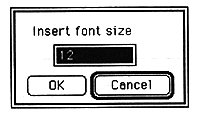
Specify the font size of display characters. If the screen is too small to read, you can specify a larger font size.
Display FullPath
If you select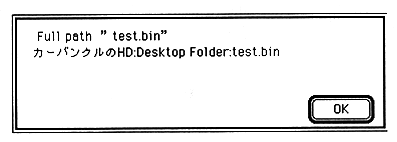
When data or folders are moved by dragging, etc., file data cannot be read because there is no specified file in the previously registered folder location. Click the file name to select it, and then click Print FullPath to display the full path of the folder where the file is registered.
MakeSoundBinary