Return to previous page | Return to menu | Go to next page
-
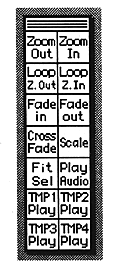
■ Control window
The - control window is always displayed on the screen. Clicking on the icon is the same as selecting the menu. For the function of each icon, refer to “■ Control window” in 6. Function details.
Return to previous page | Return to menu | Go to next page