Return to previous page | Return to menu | Go to next page
-
SCSP menu
- This section explains each item in the SCSP menu.
-
Play Audio
If a waveform range is specified for the output destination selected in - Option, a sound is output for the specified waveform, and a sound is output for the entire waveform if it is not selected.
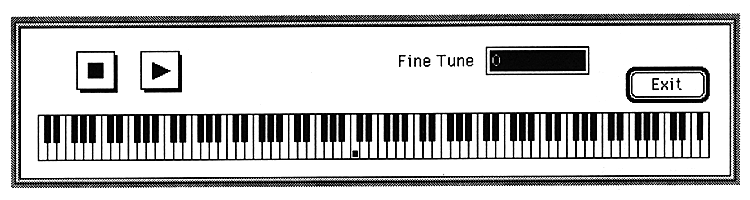
When this item is selected, the following window is displayed.
Return to previous page | Return to menu | Go to next page