Return to previous page Return to menu Go to next page

6. Functional details

This section describes the function of each menu item.

File menu

●New

Opens a new tone library.
Open the Number of Voice window, set the number of voices, and click OK to open a new sound library.

●Open
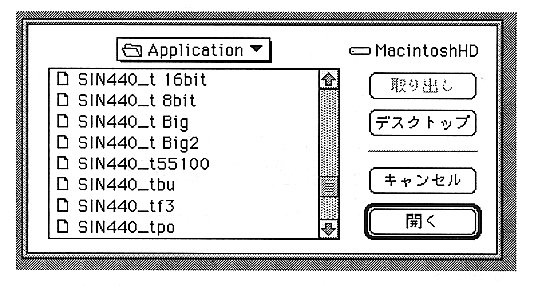
Opens an existing tone format file. When selected, the following screen is displayed.

Only SCSP format files are displayed, and only these files can be loaded.
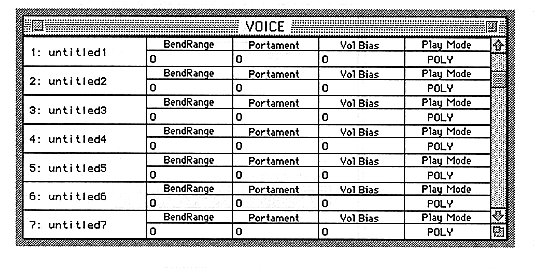
Double-click on the file name to open the Voice window.

Return to previous page Return to menu Go to next page