●Quit
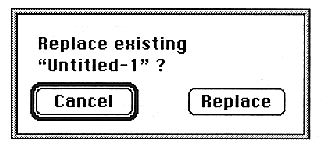
If the window is open, a warning dialog box will appear.
Edit menu
●Cut
In theWhen the Voice window is displayed, the layer attached to the voice chunk is cut and the voice chunk information and the layer chunk information attached to it are saved to the clipboard.
Cut from PEG, Velocity, PLFO format and save to clipboard.
Copy
In theIn the Voice window, copy the voice chunk information and the layer information that accompanies it, and save it to the clipboard.
Copy from PEG, Velocity, PLFO format and save to clipboard.
●Paste
You can only paste in the same window as the clipboard data information.
Data will be overwritten.
●Insert