● MODULE2 window
You can open it by double-clicking the MODULE2 block in the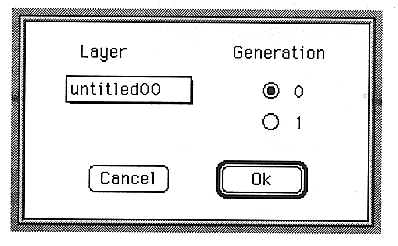
This window sets the source to be used as modulation input Y.
Sets the modulation Y of the selected layer to the selected Generation.
The parameters set in this window are as follows:
LAYER popup menu
Displays the layer name.
Generation ・0 Latest data ・1
MDL window
You can open it by double-clicking the MDL block in the- Slot window.
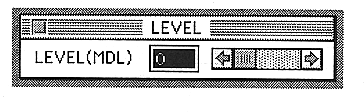
The parameters set in this window are as follows:LEVEL(MDL)
Sets the modulation input modulation effect (modulation level).
You can set a value between 0 and 15.