4. Edit algorithm
Module placement
Place the
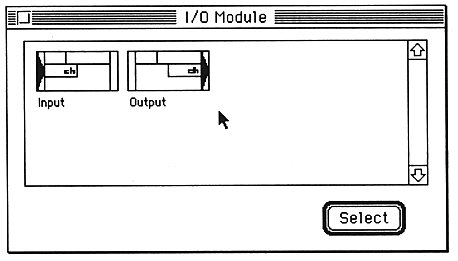
- To place I / O modules, select “I / OModules” from the Window menu.
- Click the module you want to place in the module selection window and click the “Select” button, or double-click the module.
- Drag the placed module to the appropriate position.
To place effect modules, select “EffectModules” from the Window menu.
The module selection window will open.
The module is placed at the last clicked position in the algorithm edit window. If you have never clicked in the algorithm edit window, it will be placed in the upper right corner.