Return to previous page | Return to menu | Go to next page
-
Operation menu
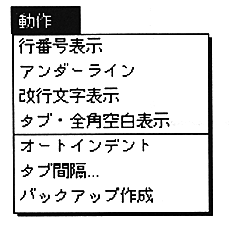
- The “Action” menu has seven commands for defining the operating environment of the active text window. These function independently for each window, and a check mark is displayed on the selected function so that it can be seen at a glance.
-
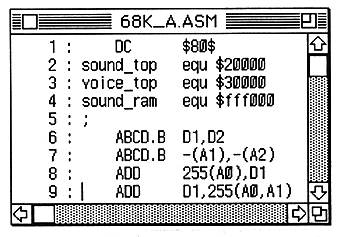
Display line number
- Displays the line number at the beginning of each line of text.
-
Underline
- Displays an underline at the cursor line.
Return to previous page | Return to menu | Go to next page