Delete
By specifying the source registered in the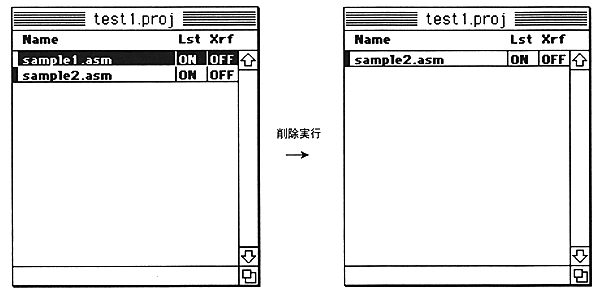
To select a file to delete, click the file name in the project with the mouse
This can be achieved. The selected file name is highlighted.
Binary file editing
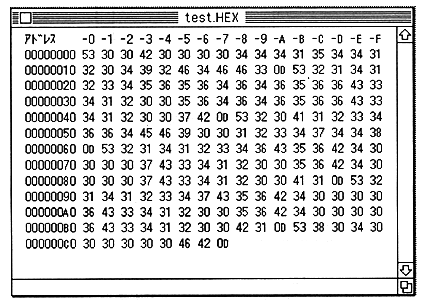
However, the application binedit is attached as an alternative. This is an application for displaying and editing files in hexadecimal binary code. The following operations are possible.
 Available keys
0 to 9 The numerical value is overwritten at the cursor position.
A to F The hexadecimal value is overwritten at the cursor position.
delete Deletes 1 byte at the cursor position.
I ↓ Insert 1 byte of 00 at the cursor position.