2.3 Usage
Preparation
- Objects (movies and pictures) used in the author editor must be edited with other tools in advance.
When using the - Cinepak movie, compress it with Cinepak when making a QuickTime movie. In the case of MPEG, in the end it does not matter in any compression because you do not want to use the QuickTime movie.
The file name of - object follows the rules of MS-DOS file name, and the extension is “MOV” for movie and “PCT” for picture. For details, see “5. Data Format”.
Keep all - objects in the same folder.
Start and exit
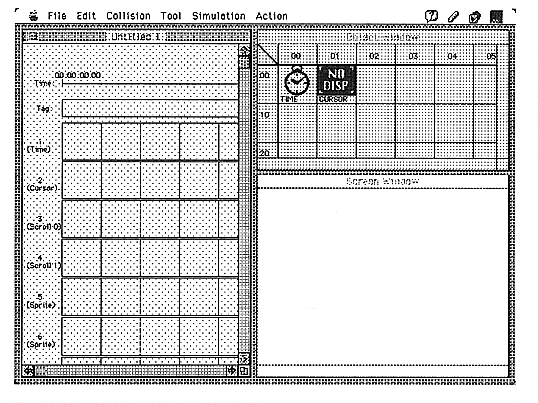
Figure 2.2 Startup screen